
How to Build and Publish an HTML Website: Complete Beginner Guide
Introduction
Learning how to convert design layouts and concepts into a live, functional website using HTML is one of the most valuable entry points for aspiring web developers. Whether you are building a personal portfolio, a landing page, or a client site, understanding the core structure of HTML5 is essential.
In this comprehensive guide, we will walk you through the exact steps required to transform basic website ideas and mockup designs into a fully deployed HTML website, optimized for performance and search engines.
1. Setting Up Your HTML5 Boilerplate Structure
Every professional web page starts with a clean, semantic HTML5 structure. Proper tagging helps search engines crawl your content effectively while ensuring high accessibility.
- Document Type: Always declare
<!DOCTYPE html>at the very top. - Meta Tags: Include responsive viewport tags (`<meta name="viewport" content="width=device-width, initial-scale=1.0">`) so your site adapts seamlessly to mobile devices.
- Semantic Elements: Use
<header>,<nav>,<main>,<section>, and<footer>to organize your layout logically.
2. Structuring Content for the "HTML to Website" Workflow
When turning design concepts into actual web pages, following a structured workflow prevents messy code and ensures maintainability:
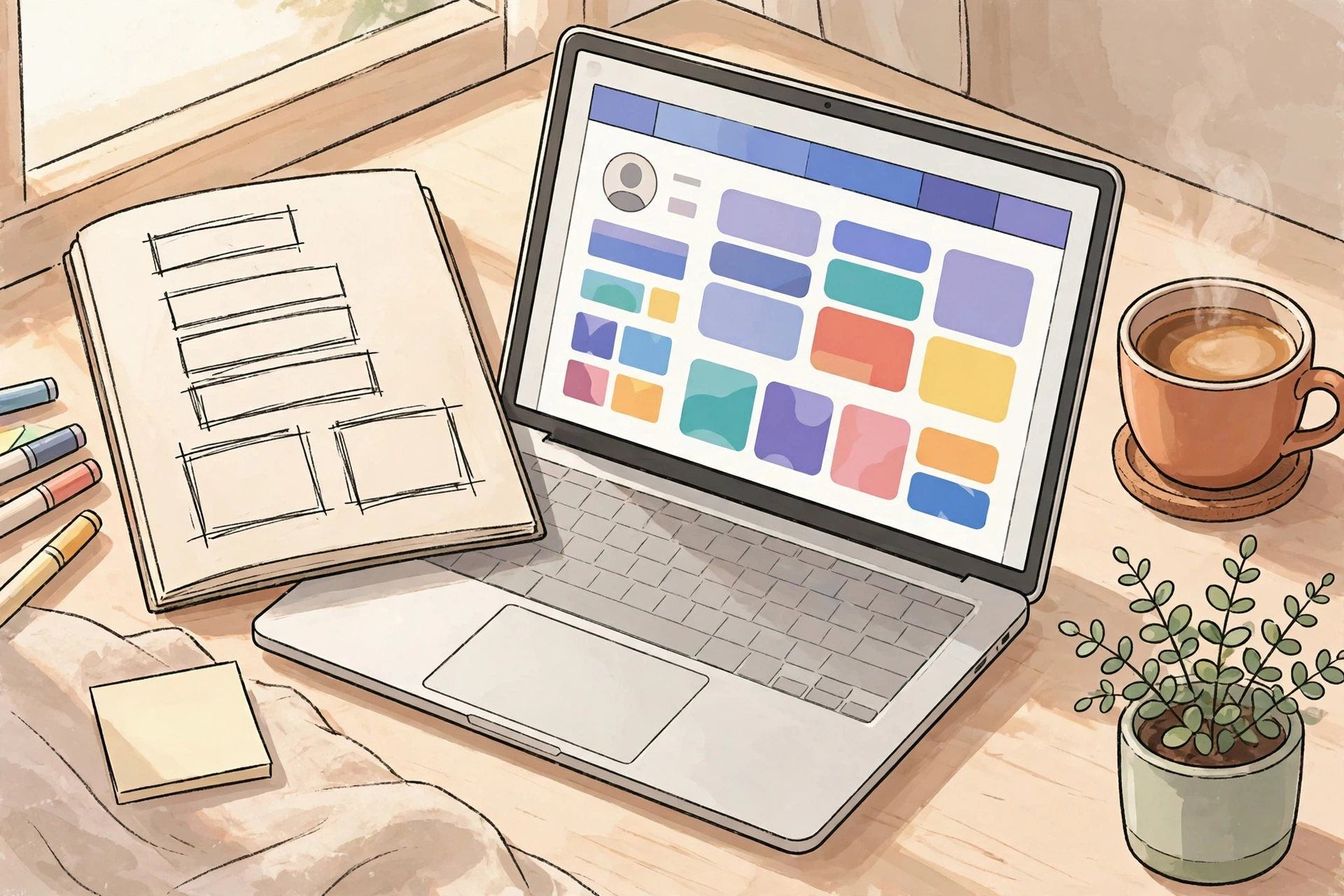
- Plan Your Layout: Sketch the header, hero section, feature grids, testimonial blocks, and footer.
- Write Clean Markup: Keep your indentation consistent and use descriptive CSS classes or IDs for styling.
- Integrate CSS & Styling: Link external stylesheets or use modern CSS Grid and Flexbox for responsive alignment.
3. Optimizing Your HTML Website for SEO
Writing great code is only half the battle; ensuring search engines can rank your pages is crucial for organic traffic.
- Title Tags & Meta Descriptions: Incorporate targeted keywords naturally within your
<title>and description tags. - Image Optimization: Always add descriptive
altattributes to your<img>tags for better image SEO and accessibility. - Page Speed: Keep your HTML payload lightweight and leverage efficient asset loading.
4. How to Publish and Host Your HTML Website
Once your HTML, CSS, and JavaScript files are ready, deploying them live is straightforward:
- Choose a Reliable Host: Upload your files via cPanel File Manager, Hostinger file manager, or FTP to your web hosting server.
- Domain Mapping: Ensure your domain name points correctly to your server's public directory (`public_html`).
- Testing: Verify responsiveness across mobile and desktop devices, checking for broken links or missing assets.
Conclusion
Mastering the transition from concept to live HTML website empowers you to build lightning-fast, custom web solutions without relying entirely on heavy page builders. Practice building static pages, experiment with responsive design, and take your web development skills to the next level today!
সম্পর্কিত আর্টিকেল

WordPress দিয়ে নিজের ওয়েবসাইট বানানোর সম্পূর্ণ গাইড
কোডিং না জানলেও ধাপে ধাপে WordPress দিয়ে নিজের ব্লগ, পোর্টফোলিও বা ছোট ব্যবসার ওয়েবসাইট বানানোর সম্পূর্ণ ব্য…
শূন্য থেকে ওয়েব ডেভেলপমেন্ট শেখার গাইড: HTML, CSS ও JavaScript
শূন্য থেকে ওয়েব ডেভেলপমেন্ট শেখার ধাপে ধাপে বাংলা গাইড — HTML, CSS ও JavaScript কীভাবে শিখবেন, কোন টুল লাগবে,…
ওয়েব ডেভেলপমেন্টের মূল ভিত্তি: PHP, MySQL, JavaScript, WordPress এবং cPanel এর এক সমন্বিত গাইড (২০২৬)
আধুনিক ওয়েব ডেভেলপমেন্টের জগতে পা রাখতে চান? আপনার অনলাইন উপস্থিতি তৈরি করতে চাচ্ছেন, অথবা একজন সফল ফ্রিল্যান…
কমপ্লিট ওয়ার্ডপ্রেস ও ফ্রিল্যান্সিং মাস্টারক্লাস: শূন্য থেকে ওয়েবসাইট তৈরি ও মার্কেটপ্লেস থেকে আয় (২০২৬)
কোনো কোডিং জ্ঞান ছাড়াই প্রফেশনাল ওয়েবসাইট, ই-কমার্স ও পোর্টফোলিও তৈরি শিখুন এবং Fiverr ও Upwork থেকে আন্তর্জাত…